
A WhatsApp AI assistant for parents, teachers and principals
Parents ask about fees, attendance and homework. Teachers mark attendance and share homework. Principals check collections. All in WhatsApp, in Hindi, English or Hinglish, and nothing is saved or sent until a person taps Confirm.
For parents, class teachers, principals and the admission desk
- Role-based access
- WhatsApp ready
- Free demo
In short
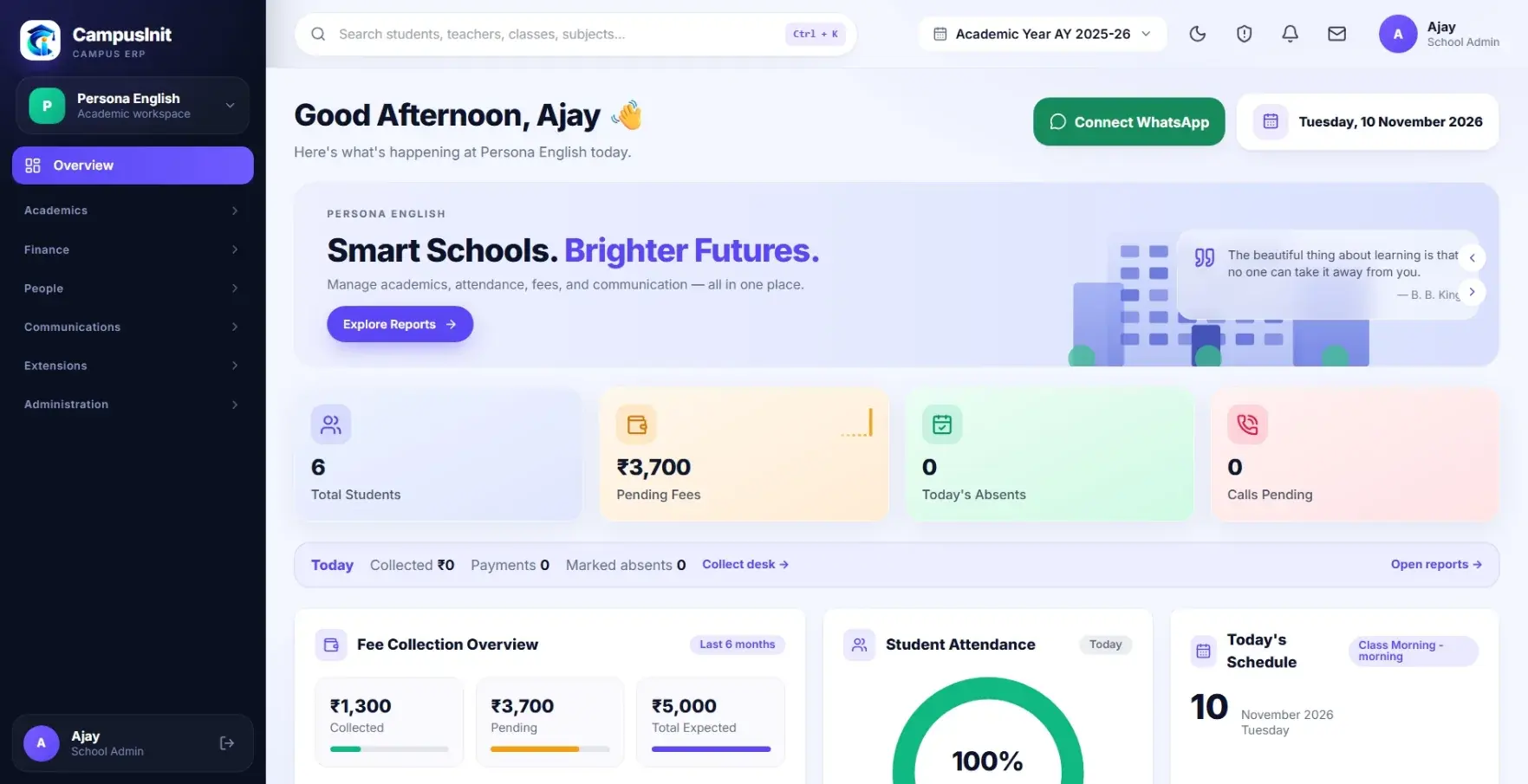
CampusInit's WhatsApp assistant answers parent questions from your institute's own records, lets teachers and principals do daily jobs in chat, and records admission enquiries as leads. It identifies people by their registered phone number and prepares drafts for attendance, homework and broadcasts that need a Confirm tap before anything is saved.
At a glance
The tools your team will use every day
Parent questions
Fees, attendance, homework and notices in chat.
Teacher attendance
Roll list, absentees, then confirm.
Principal summary
Collection, attendance and absent staff on request.
Admission leads
Unknown numbers become enquiries.
For parents: ask instead of calling the office
A parent messages the institute's WhatsApp number and asks in plain language, by text or voice note. Answers come from fee, attendance, homework and notice records, not from guesses.
- Fee status, attendance, homework, notices and exam results once declared
- Fee receipts, report cards, admit cards and ID cards as PDFs
- Digital leave requests that go to the class teacher
- Menu buttons for the common jobs, with no AI call needed
For teachers: attendance and homework from chat
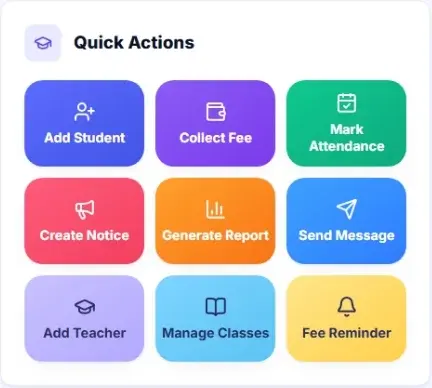
A teacher sends a class name, gets the roll list and replies with the absentees. The assistant prepares a draft and only saves it after the teacher confirms. Homework can start from a photo or PDF.
- Class attendance by roll number, with a Confirm step
- Homework drafted from a photo or PDF, then confirmed
- Absent alerts to parents after attendance is saved
- Teacher access limited to their own classes and sections
For principals: the day at a glance
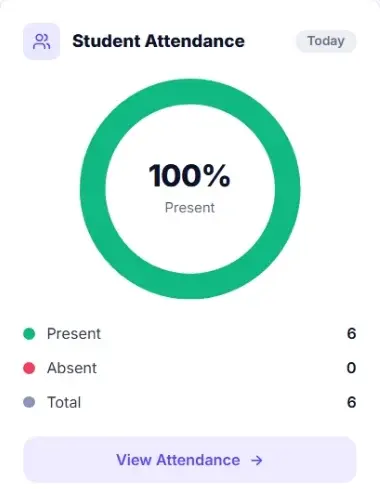
Principals can ask for the numbers they usually chase through several people, and send an announcement to every parent after reviewing a draft.
- Fee collection and attendance summary
- Absent staff and top students
- Broadcast from a voice or text note, with Confirm before sending
- A daily summary message
Admission enquiries do not get lost
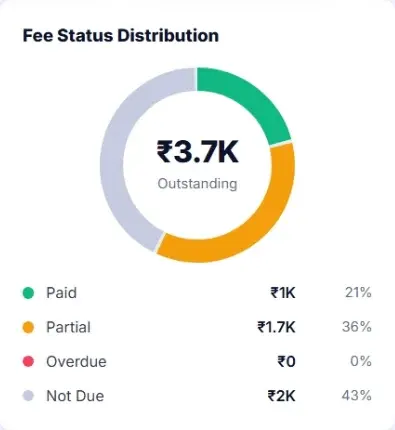
A message from a number that is not in your records is treated as an admission enquiry. The assistant shares the fee details, facilities and admission form link you configured, and the enquiry is recorded as a lead for your team.
- Fee structure and facilities text set by the institute
- Admission form link shared automatically
- Lead list for follow-up
Built so the AI stays inside its lane
The institute and the person are identified from the WhatsApp number on the server, not by the AI. A parent can only see their own child's records, and actions that write data are drafts until confirmed.
- Parent access checked against the child linked to that phone
- No data guessed: fees, marks and homework come from records
- Per-sender and per-institute usage limits
- Duplicate webhook deliveries are dropped, so replies are not sent twice
Workflow
How it works, step by step
A typical flow, from setup to the daily routine.
Connect WhatsApp
Link the institute's number and approve the message templates.
Prepare your records
Parent and teacher phone numbers, class teachers and fee details.
Set the assistant's profile
Welcome text, fee and facilities text and the admission form link.
Go live with a pilot class
Test with a few parents and teachers before announcing to everyone.
Explore
Modules behind this workflow
Frequently asked questions
How does leave approval work on WhatsApp?
A parent sends a leave request in chat. The class teacher receives Approve and Reject buttons on WhatsApp, and the parent gets the decision as a message. If no class teacher is mapped, the request goes to the principal.
Which languages does the assistant understand?
Hindi, English and Hinglish, in text or voice notes. Replies about fees, attendance, homework and notices are built from the institute's own records.
Can the AI save wrong attendance or send a wrong notice?
Teacher and principal actions are drafts first. Nothing is saved or broadcast until the same phone taps Confirm, and a second tap cannot run an action again. You can still review and correct records in the web app.
Can it handle admission enquiries?
Yes. A message from an unknown number is treated as an enquiry. The assistant shares the fee details, facilities and admission form link you configured and records the lead for your team.
What do we need to set up first?
Connect your WhatsApp Business number, keep parent and teacher phone numbers current in records, and get message templates approved by Meta. Ask the team what onboarding help your plan includes.
More solutions
Also built for

Book a free demo for your institute
We’ll walk you through the workflows that matter for your institute.
Book a Free Demo